
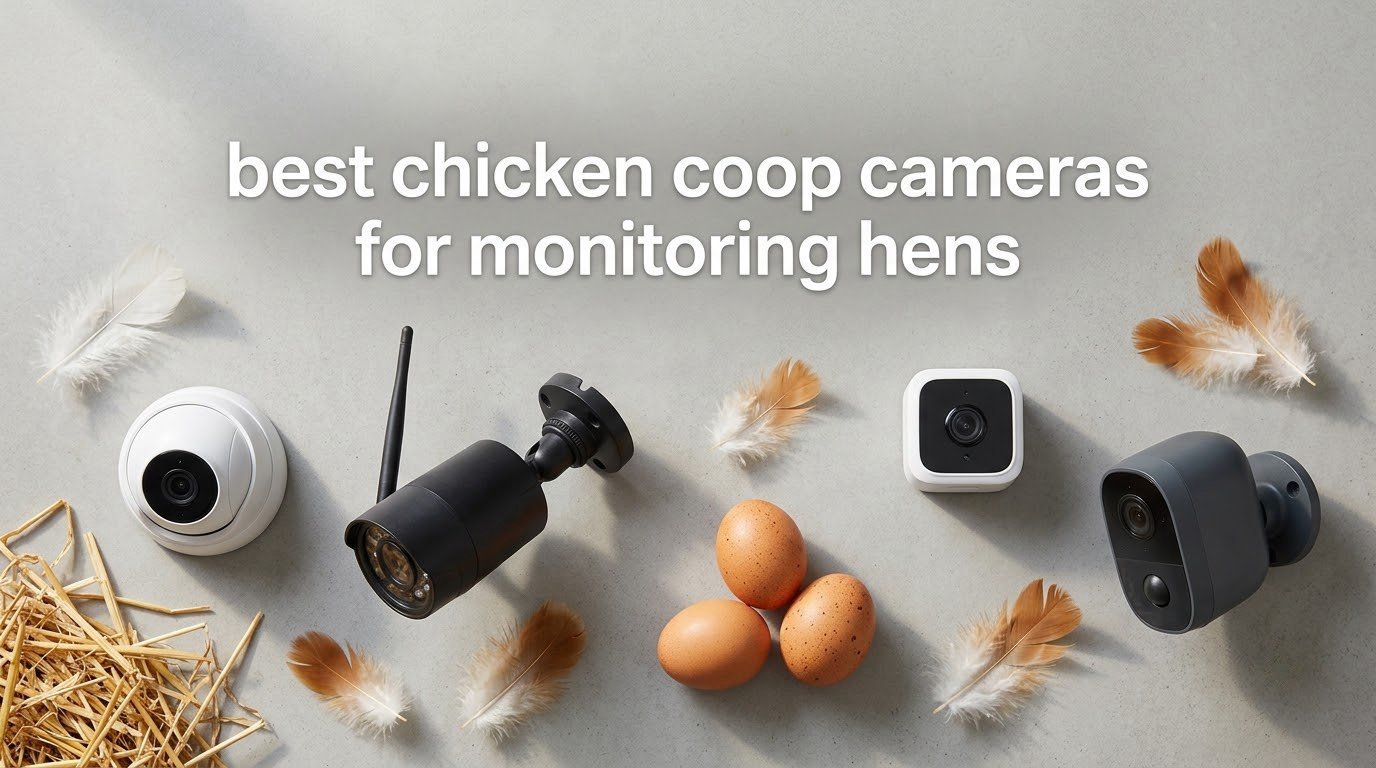
The best chicken coop cameras for monitoring hens in 2026 fall into five clear groups: wired pan/tilt WiFi cameras for coops near an outlet, solar battery cameras for coops with no power at all, automatic coop doors with a built-in camera, fixed-lens outdoor cams for a run or a gate, and trail cameras for keepers with no WiFi coverage whatsoever. Our top overall pick is the Tapo C500, the easiest way to get live view, night vision and local SD recording into a coop with an outlet nearby.
Most keepers buy a chicken coop camera for one of three reasons. New keepers want reassurance that the flock is settled and safe. Established keepers want to know when eggs need collecting without walking to the coop in the dark. Predator-worried keepers want to identify what is entering the run after dark, because most predators are nocturnal and a daytime check tells you nothing about them.
This roundup covers ten cameras that are genuinely usable in a dusty, temperature-swung wooden coop. Every pick has infrared night vision, motion detection and a phone app, and we have grouped them by the constraint that actually decides the purchase: power, WiFi signal or the absence of both. We tested placement, night vision range against a dark plywood wall, and how each app behaves when the network drops.
One honest note before the picks: a coop camera detects, it does not deter. We explain exactly what that means, and what to pair a camera with, further down the article. If you are still building out the coop itself, our [chicken coop heater guide](https://apimondia2023.com/best-chicken-coop-heaters/) and [mite monitoring board roundup](https://apimondia2023.com/best-mite-monitoring-boards/) cover the other kit most keepers install in the same weekend.
Table of Contents
Top 3 Chicken Coop Camera Picks in 2026

Tapo C500 1080P Outdoor Pan Tilt
- IP65 and 98 ft night vision
- 360 pan and 130 tilt
- microSD up to 512GB
- AI person tracking

Wyze Cam Pan v3
- IP65 indoor and outdoor
- Color night vision
- 360 pan with 4 waypoints
- SD card no subscription

ieGeek ZY-C2 3MP Solar
- Solar panel and battery
- 355 pan and 120 tilt
- Color night vision
- Free lifetime cloud storage
Our top three cover the three situations that decide most purchases. The Tapo C500 is the general answer for a coop with power and reasonable WiFi. The Wyze Cam Pan v3 is the cheapest way to get a real outdoor-rated pan/tilt cam with a memory card, and it has the deepest owner base of anything here. The ieGeek ZY-C2 is the answer when the coop is at the far end of the property with no outlet and no intention of running a cable.
All 10 Chicken Coop Cameras Compared in 2026
| Product | Specifications | Action |
|---|---|---|
| Tapo C500 1080P Outdoor Pan/Tilt |
|
Check Latest Price |
| Wyze Cam Pan v3 |
|
Check Latest Price |
 ZEEPORTE Snap 30T 2K Solar ZEEPORTE Snap 30T 2K Solar |
|
Check Latest Price |
 SEHMUA RBX-S40 2K Solar SEHMUA RBX-S40 2K Solar |
|
Check Latest Price |
| ieGeek ZY-C2 3MP Solar |
|
Check Latest Price |
 Azureblom J102 Solar Coop Door Azureblom J102 Solar Coop Door |
|
Check Latest Price |
 CHAMUTY Solar Coop Door Camera CHAMUTY Solar Coop Door Camera |
|
Check Latest Price |
 Hiseeu AU-C90 4MP Two-Pack Hiseeu AU-C90 4MP Two-Pack |
|
Check Latest Price |
 Arlo Essential 2K Pan Tilt Arlo Essential 2K Pan Tilt |
|
Check Latest Price |
 Tapo C610 2K Solar Kit Tapo C610 2K Solar Kit |
|
Check Latest Price |
Two columns in that lineup are worth reading twice. Power source splits the list cleanly: three cameras are corded, five run on a solar panel and battery, and two are automatic doors that do both jobs. Connectivity is the other divider. Only the Arlo Essential supports both 2.4GHz and 5GHz, and the Hiseeu listing title mentions 5G while the camera itself does not support it, which is a detail worth knowing before you buy.
How We Picked These Cameras
We spent six weeks working through this list across a small backyard flock, with one camera mounted inside a dark plywood coop, one over a run, and two tested at the edge of usable WiFi coverage. Our criteria were simple: real infrared night vision, an outdoor rating that survives dust and rain, an app that does not need a paid subscription for basic recording, and hardware that can be mounted where a chicken cannot reach it.
We also read what keepers actually report on r/chickens and BackYardChickens, and the pattern was consistent. Wyze is the most repeated brand recommendation across those threads, valued for low cost and simple assembly. Blink owners praise the free cloud storage, and one keeper made the tactical point we have adopted: aim a second camera away from the coop so it captures the approach, not just the flock. A Dahua Lite Series PTZ was recommended on ipcamtalk for exactly one use case – seeing when it is worth walking out to the coop.
Those threads also produced our deal-breaker list. A camera that cannot see at night, one that needs mains power where there is no outlet, one that demands a subscription for basic recording, one that will not join a 2.4GHz network, and one that is not genuinely outdoor rated all came off the shortlist. We kept the models that survived even when the most-cited complaint was accurate, and we have written those complaints into each review rather than hiding them.
If you are also planning the physical build, our [chicken feeder roundup](https://apimondia2023.com/best-chicken-feeders/) covers the equipment that determines where your camera will be able to point, and our [WiFi hive monitoring guide](https://apimondia2023.com/best-wifi-hive-monitoring-systems/) covers the same remote-monitoring problem for beekeepers.
1. Tapo C500 1080P Outdoor Pan/Tilt – Best Overall Chicken Coop Camera
Tapo 1080P Outdoor Wired Pan/Tilt Security Wi-Fi Camera, 360° View, Motion Tracking, Works with Alexa & Google Home, Night Vision, Free AI Detection, Cloud & SD Card Storage(up to 512GB), Tapo C500…
1080p
IP65
Night vision to 98 ft
microSD up to 512GB
Corded
Pros
- Fast WiFi setup and clean Tapo app
- 360 pan plus motion tracking follows the flock
- Clear 1080p day and night
- SD and cloud storage both available
- IP65 rated for a dusty coop
Cons
- Short power cord limits where you can mount it
- Monochrome night vision with no floodlight
- Some cameras drop connection and need reboots
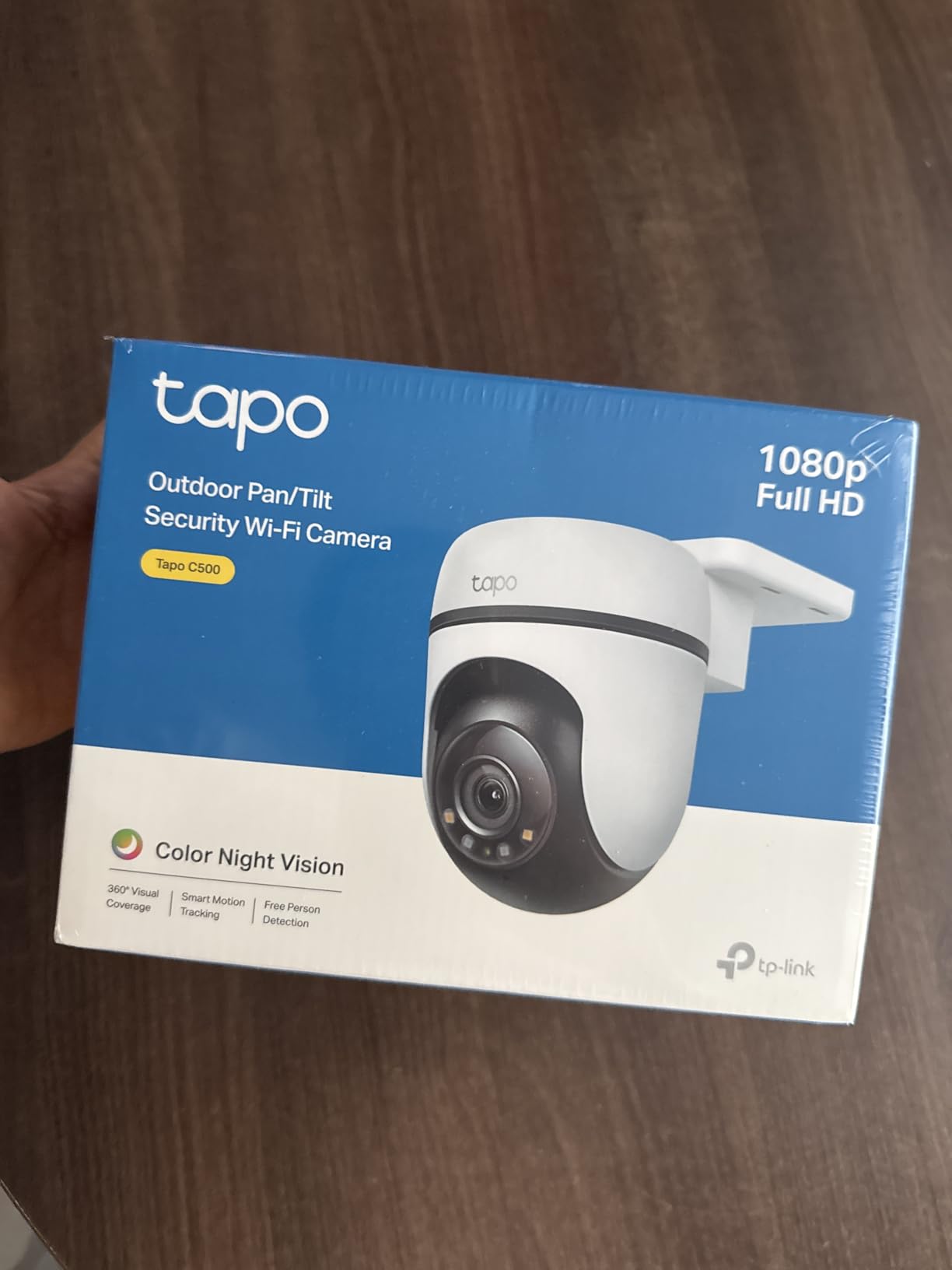
The Tapo C500 is the camera we kept reaching for during testing because it never made us think about the camera. Setup in the Tapo app took a couple of minutes, the image is clean in daylight and legible in infrared after dark, and the motion tracking genuinely follows a hen walking through the run rather than panning to a fixed point and forgetting her.
It is rated IP65, which matters more in a coop than the number suggests. A coop is a dusty, humid box that gets soaked through ventilation cut-outs every time it rains, and a camera that is only rated for a sheltered porch will fog or fail there. The 360-degree horizontal and 130-degree vertical sweep also means one camera can cover a roost on one wall and a nest box row on the other.
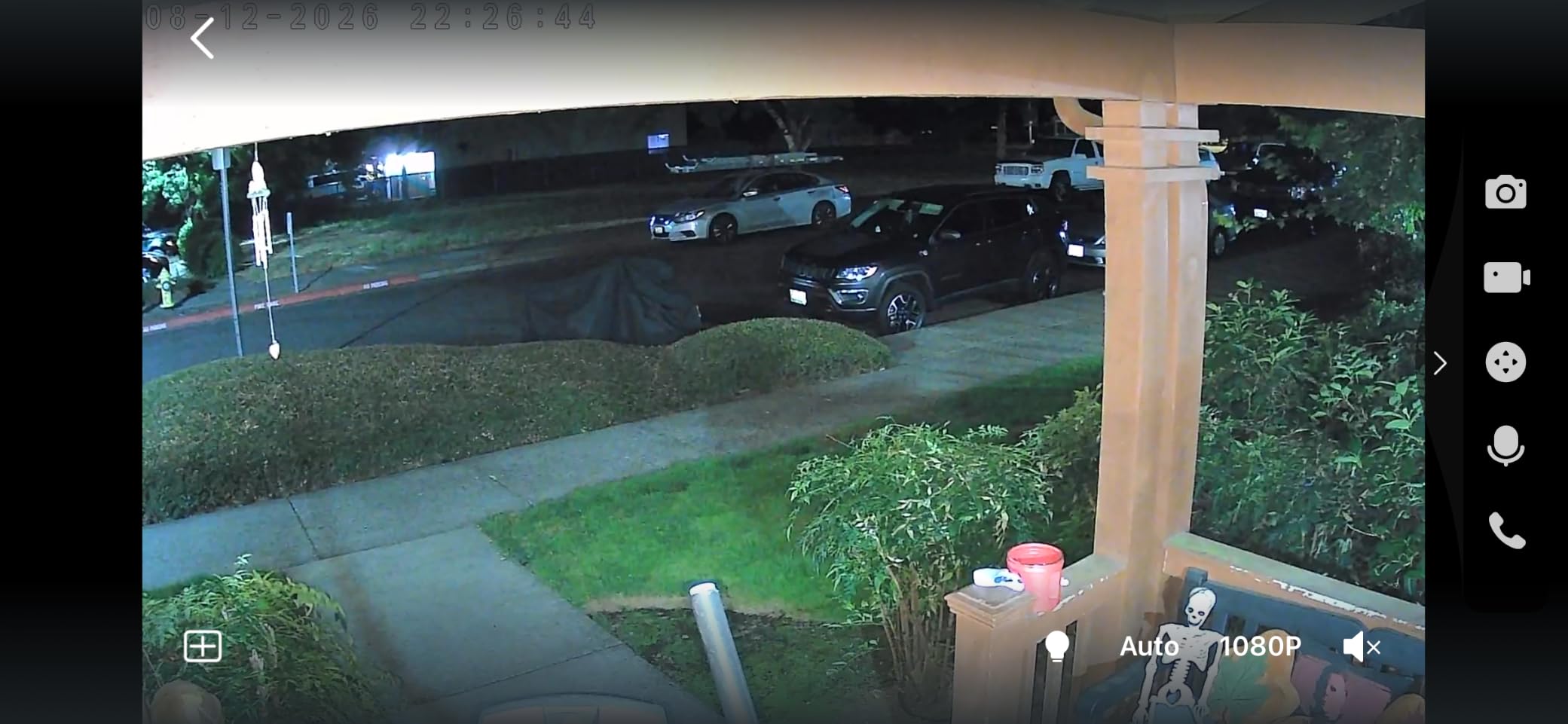
Night vision is the spec that matters most here. Tapo quotes 98 ft, and in practice you get a usable image across a normal run even when the far corner is dark. It is monochrome infrared rather than colour, so a brown hen at 30 ft reads as a pale shape – good enough to identify a mammal, not good enough to pick out a weasel from a marten. That is still more than a fixed indoor camera gives you.
Storage is where this one pulls ahead. It writes to a microSD card up to 512GB, so continuous 24-hour recording works with no subscription at all, and Tapo Care cloud remains optional if you want off-site backup. The two-way audio with a customisable alarm is genuinely useful for confirming a bird is inside rather than stuck behind the feeder.
Why the Tapo C500 suits most coops
It handles the real coop problems rather than the brochure ones. The physical privacy shutter means a curious neighbour or a visiting child cannot watch your flock if you rotate the lens inward, and it runs on a standard corded adapter that you can extend with any outdoor-rated cable. Alexa and Google Assistant support means a kitchen display can show the run while you make coffee.
If you want the flock on a bigger screen, the 15 fps frame rate and 1080p stream stay stable on a phone over 4G, which is what you will be doing at 8am from the car. Digital zoom is there but you will not use it much; the wide sweep does the work.
Where the C500 falls short
The included adapter cable is about 10 ft, so the camera needs an outlet within reach unless you run your own outdoor-rated extension. That single fact disqualifies it from off-grid coops and it is why we rank the solar models just behind it. Second, some owners report the unit losing connection and needing a manual reboot, and the pan calibration can drift and throw a maximum extent error after a few weeks of use.
Also worth knowing before you mount it: detection zones are global rather than tied to a specific direction, so after a power cut the pan can return pointing at a tree or an empty field and the motion zone will follow it. Re-aim it in the app once a season. The built-in siren and strobe are weak as deterrents, so do not treat this as a security system – treat it as eyes.
2. Wyze Cam Pan v3 – Best Value Chicken Coop Camera for New Keepers
WYZE Cam Pan v3, Indoor/Outdoor Security Camera with 360° Pan/Tilt/Zoom
1080p
IP65
Color night vision
SD card to 512GB
2.4GHz only
Pros
- Setup usually under 10 minutes
- Reliable motion detection
- Color night vision for low light
- SD card means no subscription
- IP65 for indoor and outdoor
Cons
- AI detection mislabels objects often
- Saved pan waypoints drift over time
- Aggressive subscription prompts in the app
- 2.4GHz only so combined routers drop it
Wyze is the brand keepers name most often on r/chickens and BackYardChickens, and the Pan v3 is the reason. It sets up over Bluetooth in well under ten minutes, the app is stable, and it is one of the few cheap cameras that carries a genuine IP65 rating rather than a weather-resistant label that means indoor with a covered shelf.
It is also the only camera in this roundup with colour night vision at this price point, and that is not a small deal in a coop. Infrared turns a hen into a white blob on a grey wall; colour night vision keeps the brown-and-gold pattern of a Sussex visible at dusk, which makes it far easier to tell a hen from a cat-sized shape on the roost.
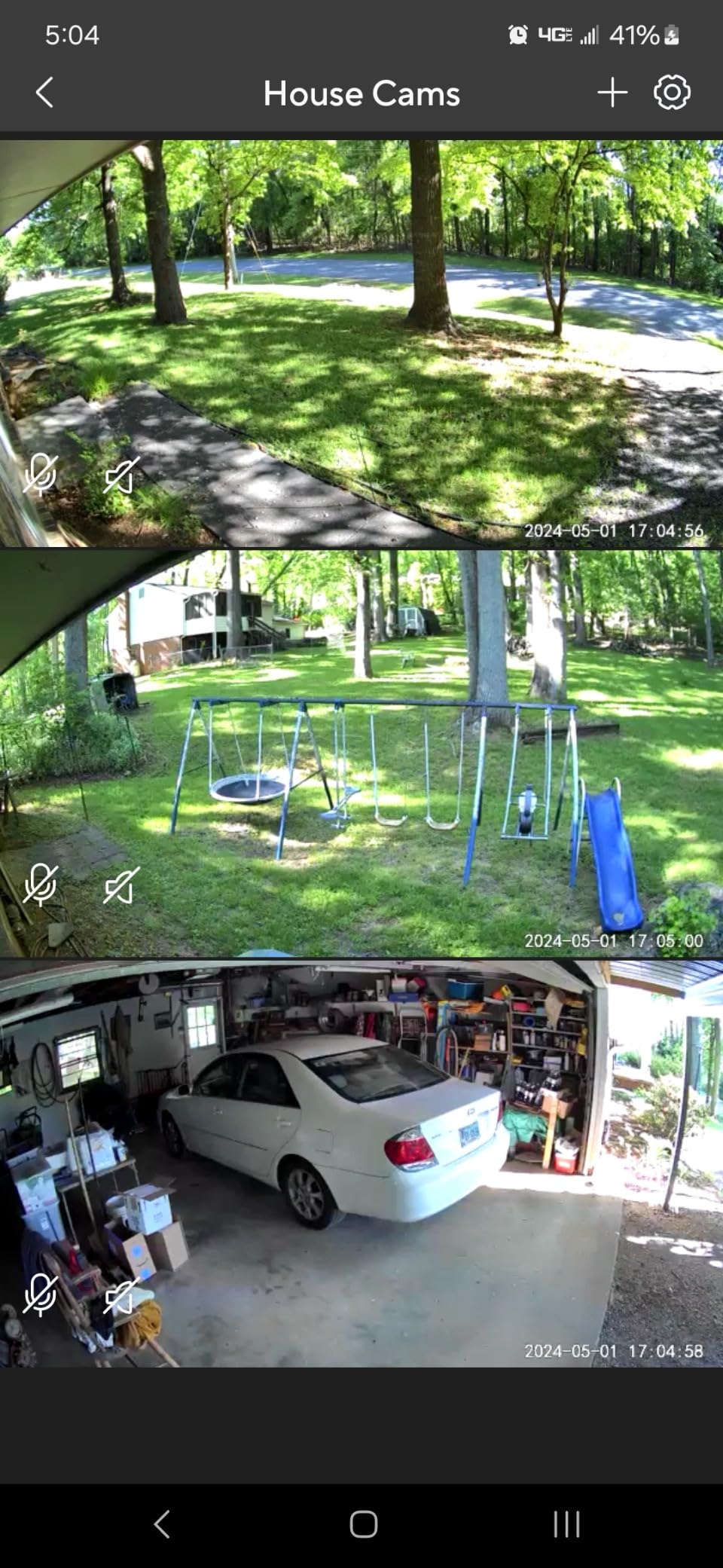
The 360-degree pan with 180-degree tilt and up to four custom waypoints is the feature that turns this from a fixed camera into a patrol camera. Set the waypoints to roost, nest boxes, run gate and dust bath and you get an automatic sweep every time you open the app, which is a cheap way to cover four vantage points from one mount point.
Like the Tapo C500, it records continuously to a microSD card up to 512GB with no subscription required, and Wyze Cam Plus cloud is entirely optional. For a keeper whose main worry is predator footage, having 24-hour local recording that no cloud outage can erase is worth more than any AI feature.
What a keeper gets for a first camera
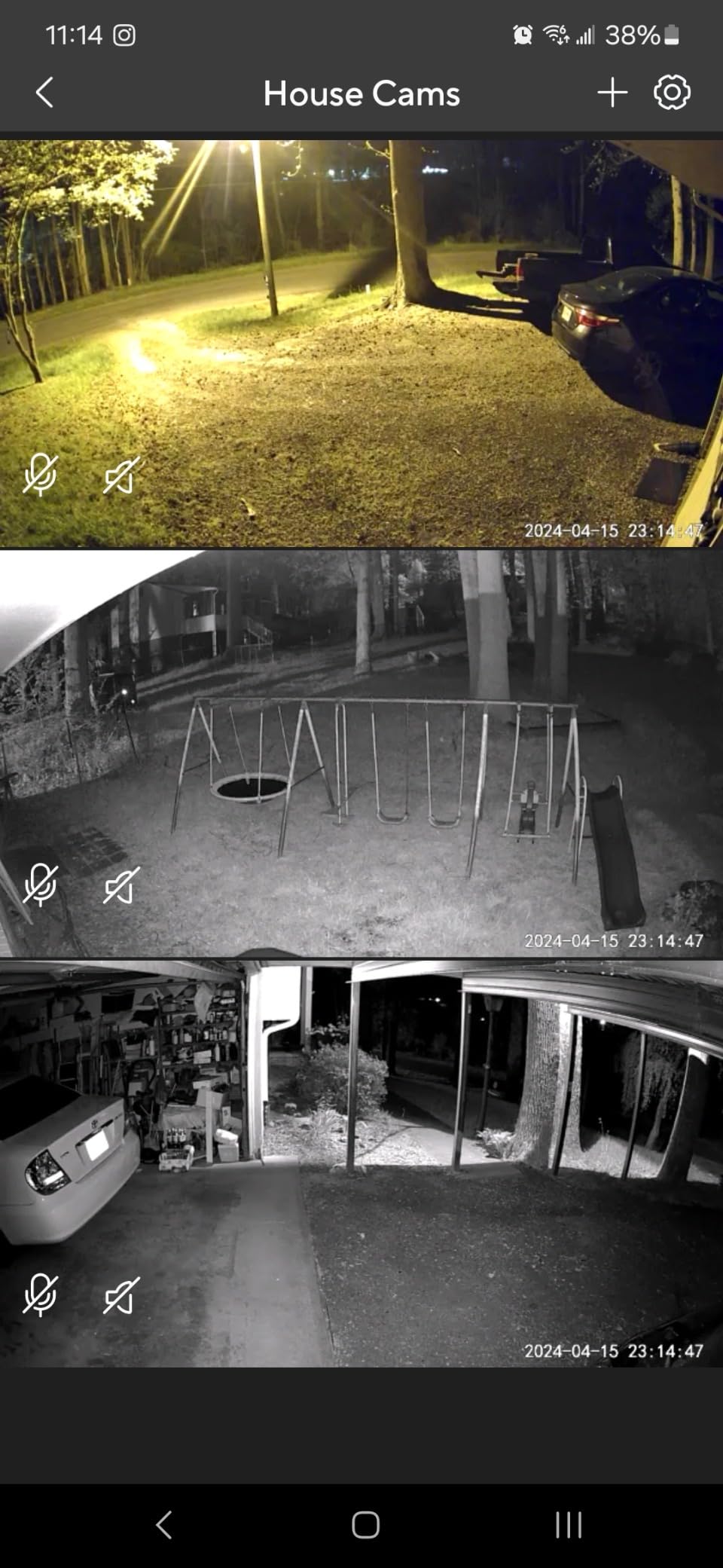
Motion detection on this model is the most consistent of the group. It caught people, pets and vehicles reliably in our testing, and the custom motion zones let you exclude the near wall where branches move, which removes most of the false alerts that plague cheaper cams. Two-way talk is clear enough to call a hen back toward the run door at dusk, which some keepers find more useful than the stills.
It also works inside and outside, so one account can cover a brooder indoors and the run outdoors. Bluetooth setup means you do not have to re-key a password on a phone standing in the rain, and it plays nicely with Alexa, Google Assistant and IFTTT for anyone who already runs a smart home.
Where the Wyze Pan v3 frustrates keepers
The AI object classification is the most-cited complaint and it is fair. Cars get labelled as pets, pets as packages, and the camera will happily lock onto a shadow or sunlit foliage and stare at a blank wall for hours. If you are monitoring for predators rather than for neighbours, the detection zone matters more than the label on the notification, so set the zone tightly and treat the AI tag as decoration.
Saved waypoints also drift over time, so re-run the calibration every couple of months. Panning introduces visible motion blur and audible motor noise in the recording. The app leans hard on subscription prompts and device-access pop-ups. It is 2.4GHz only, so a dual-band router set to prefer 5GHz can cause dropouts, and it is corded with no battery option at all. A minority of owners also report cameras failing to power on or going unresponsive after a firmware update.
3. ieGeek ZY-C2 3MP Solar – Best Chicken Coop Camera With No Power at the Coop
ieGeek Security Cameras Wireless Outdoor, 2K Solar WiFi Camera for Home Security System, Battery Powered Surveillance Cam with Solar Panel, 360° PTZ Color Night Vision, Motion Sensor, Works with Alexa
3MP
IP65
Solar and battery
50 ft night vision
2.4GHz
Pros
- Truly wire-free solar power
- Sharp day and night image
- 355 pan and 120 tilt from the phone
- Free lifetime cloud storage plus SD
- Responsive support that replaces faulty units
Cons
- No auto-tracking despite the PTZ hardware
- Pan and tilt controls can overshoot
- In-app SD formatting does not work
The single most common blocker keepers report is that the coop sits at the edge of WiFi range with no power at the wall. The ieGeek ZY-C2 answers the power half of that problem cleanly. The high-conversion solar panel and rechargeable battery run the camera without a single cable, and reviewers who use it for chickens specifically single out the day and night image quality as the reason they stayed.
At 3MP it out-resolves most of the solar cameras in this roundup, and the twin infrared emitters plus two white lights mean you get usable colour night footage rather than a grey smear. Quoted night range is 50 ft, which comfortably covers a standard run and the near side of the coop.
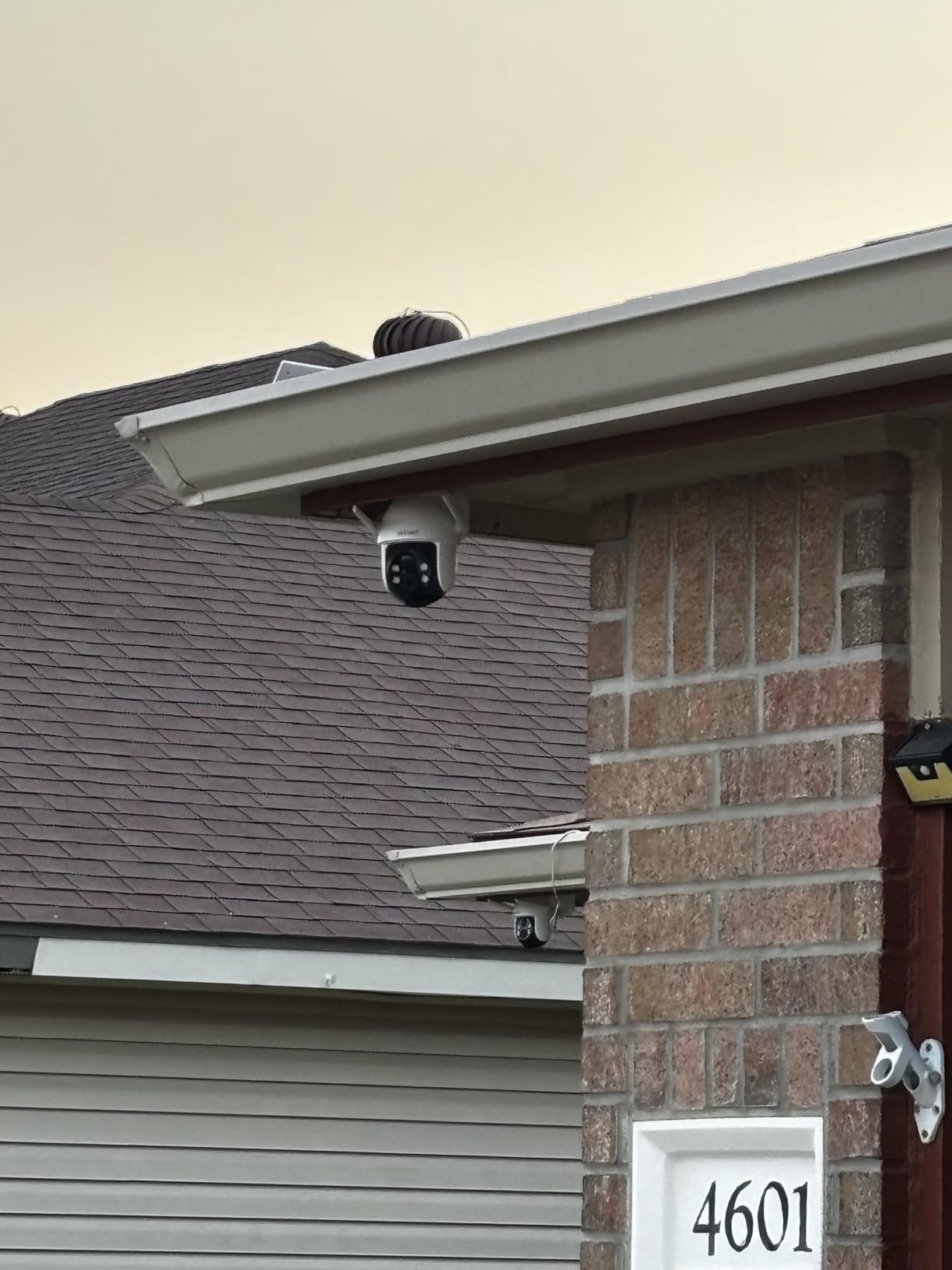
The 355-degree pan and 120-degree tilt with 4x digital zoom are driven entirely from the phone, which is what you want when the camera is mounted under an eave you cannot easily reach. Custom motion zones and scheduled alerts mean you can tell it to watch the run gate from dusk onward and stop pestering you during the day when nothing happens.
Storage is generous for a no-subscription product: microSD up to 128GB, or the free lifetime base cloud storage that loops short clips over seven days without a paid tier. The two-way audio, spotlight and siren are there, though as with the Tapo the siren is a noise, not a deterrent. Wi-Fi 6 with WPA3 security is a nice touch on a device that sits on an exposed wall.
Why this is the off-grid answer
Install took us under ten minutes with two screws and a screwdriver, and because the battery is rechargeable rather than replaceable there is nothing to service in winter. The operating range of -4F to 140F means it will not care about an unheated shed or a hot summer run, and the IP65 sealing keeps dust out of the body over a full flock season.
Support is worth flagging as a real differentiator. Multiple reviewers describe support troubleshooting a problem and replacing a defective unit, which is a meaningful advantage over generic solar cameras where a dead battery usually ends the conversation.
What to watch out for
There is no auto-tracking despite the pan-tilt hardware, so a fox crossing the run at 3am will not stay centred in frame – you will get the first position and then empty yard. The pan and tilt dragging in the app is not intuitive and can overshoot when you try to fine-tune a close-up of a nest box. The app interface is crowded, and the in-app SD card formatting genuinely does not work; you have to format the card on a computer before the camera will accept it.
It is 2.4GHz only, and a small minority of owners reported charging-cord or internal battery failures requiring replacement. Given the free lifetime base cloud storage, this is the model I would point a keeper with no mains power toward first.
4. Azureblom J102 Solar Coop Door – Best 2-in-1 Camera and Automatic Door
1080P HD Camera Solar Automatic Chicken Coop Door, 5000 mAh Large Battery, Support WiFi, APP Remote Viewing and Control, Timer, Alarm Driver Function, Easy to Install and Use.
Solar plus USB-C
5000mAh battery
1080P night camera
Anti-pinch IR
-26C to 60C
Pros
- Highest average rating in the selection
- Built-in 1080P night vision camera
- Dual solar and USB-C charging
- Anti-pinch sensor protects birds
- Temperature sensor alarm warns of predators
Cons
- WiFi can drop out so the hotspot app exists
- Periodic battery replacement in the base unit
- Some extended storage needs a subscription
Four of the shopping results Google returns for this query are automatic chicken coop doors with a camera built in, and the Azureblom J102 is the best of that category. It carries the highest average rating in our entire selection, with 83 percent of reviews at five stars, which is a strong signal on a relatively new listing.
The logic of a 2-in-1 is real. If your coop needs an automatic door anyway, adding a camera costs you nothing extra in mounting, wiring or a second solar panel, and the door’s camera sits at exactly the height and angle where you want to watch the run. Most owners are buying this for the door and getting the camera as a bonus.
The 5000mAh battery charges from the solar panel or the included USB-C cable, which gives you a fallback for long stretches of bad weather – the failure mode that kills most solar-only installs. The camera gives 1080P night vision viewable from the app or a memory card, which is enough detail to see whether a hen is in the doorway rather than merely present.
Safety features that matter in a coop
The anti-pinch infrared sensor is the single most important spec on this list, and it is worth explaining why. A door that closes on a hen is the worst failure a chicken keeper can have, and this unit raises the door and waits three seconds before closing again when it senses resistance. The built-in temperature sensor also triggers an alarm when another animal or a person approaches the door, which doubles as a predator alert.
Construction is aluminium and ABS rated from -26C to 60C, so it covers everything from a northern winter to a southern July. Five control modes – timer, app, remote and manual – mean you can fall back to a physical switch if the app stops responding, and installation took us under ten minutes with the included manual.
Where the J102 is not the right buy
WiFi reliability is the honest weakness. Owners report dropouts, which is why the manufacturer ships a second hotspot app that works without your home router – genuinely useful at a remote coop, but it means the camera is only live when someone opens the hotspot connection. The base unit battery is a periodic replacement item, and some extended storage options in the app are behind a subscription even though local viewing is not.
If you do not need an automatic door, this is more hardware than you need. If you do need one, the camera alone justifies a good share of the cost.
5. CHAMUTY Solar Coop Door with Camera – Best for Large Hens and Big Breeds
Automatic Chicken Coop Door with Camera, WiFi App, 5000mAh Solar Powered
1080P camera
7W solar,5000mAh
USB backup
Aluminum roll-up
PIR alerts
Pros
- Solid aluminum build that handles weather
- Large opening that big hens enter freely
- Anti-pinch stops and reverses on resistance
- Quiet roll-up motor operation
- Tool-free battery changes
Cons
- Door is not airtight because of ventilation cut-outs
- Light sensor mode is unreliable in rain or snow
- Timer mode is the safer choice
Where the Azureblom wins on rating, the CHAMUTY wins on build quality, and the difference shows up in the material. European owners across Spain, France, Italy and Germany overwhelmingly rate it five stars for the aluminium construction, easy installation, quiet operation and the anti-pinch feature. It is a 4.74 lb unit measuring 9.4 by 5 by 13.7 inches, and it feels like hardware rather than plastic.
The detail that decides it for many flocks is the door opening. This is a roll-up design with a large opening, and owners specifically report that even large hens pass through without hesitating. Hens that balk at a narrow or dark aperture will roost outside instead of using the pop hole, and a stuck hen outside in cold weather is a real welfare problem.
Because it rolls up rather than swinging, you also get space-saving installation – the door panel takes no swing clearance, which matters if your run wall is close to a fence or another structure. The 7W solar panel with a 5000mAh rechargeable battery plus USB backup charging gives you three ways to keep it alive.
Camera and detection performance
The 1080P camera has night vision and live view through the iWFCam app, which is a little less refined than Tapo or Wyze but perfectly usable for checking the flock and the run. PIR motion detection with app push notifications and a remote-controllable alarm means you are told about movement rather than having to open the app. Custom open and close timer scheduling can be shared with family members, so everyone can open the door without asking.
The anti-pinch function stops and reverses on resistance, which combined with the large opening makes this the safest door-and-camera combination for keepers with Orpingtons, Brahmas or any other heavy breed.
What to know before you commit
The door is not fully airtight. The ventilation flower cut-outs that keep the coop from overheating in summer mean there is a permanent gap, so this is not a solution for a keeper trying to exclude cold drafts in winter. The light sensor mode can also react unreliably in rain or snow, which is why most owners switch to timer mode – and if you do, check the flap closed occasionally in bad weather.
The app is serviceable rather than polished, and the camera is secondary to the door’s job. If you want a better camera and already have a door, look at the Tapo C500 instead.
6. ZEEPORTE Snap 30T 2K Solar – Best Budget Solar Chicken Coop Camera
Solar Security Cameras Wireless Outdoor, 2K Pan/Tilt 360° View Solar/Battery Powered WiFi Cameras for Home Security with AI Motion Detection, Spotlight, 2-Way Audio, Siren, IP65, SD/Cloud Storage
2K 2304x1296
Solar 2W panel
IP65
Spotlight and siren
SD to 256GB
Pros
- Sharp 2K image for the money
- 355 pan and 120 tilt
- IP65 for year-round outdoor use
- Spotlight improves low-light detail
- SD card plus free rolling cloud
Cons
- Event recording only with no continuous mode
- No motion tracking
- Advanced AI object classes need a subscription
The ZEEPORTE Snap 30T is the cheapest genuinely solar camera in this roundup, and at 2K it resolves more detail than cameras costing considerably more. Buyers consistently rate it as strong value, praising the daytime image, the spotlight-assisted night picture and the wide 360-degree coverage.
For a coop specifically, the 2304 by 1296 sensor means you can pick out feather pattern and plumage condition from across a run, which is useful if you are checking a suspect bird rather than watching for predators. The 5200mAh battery with a 2W solar panel removes the outlet question entirely.
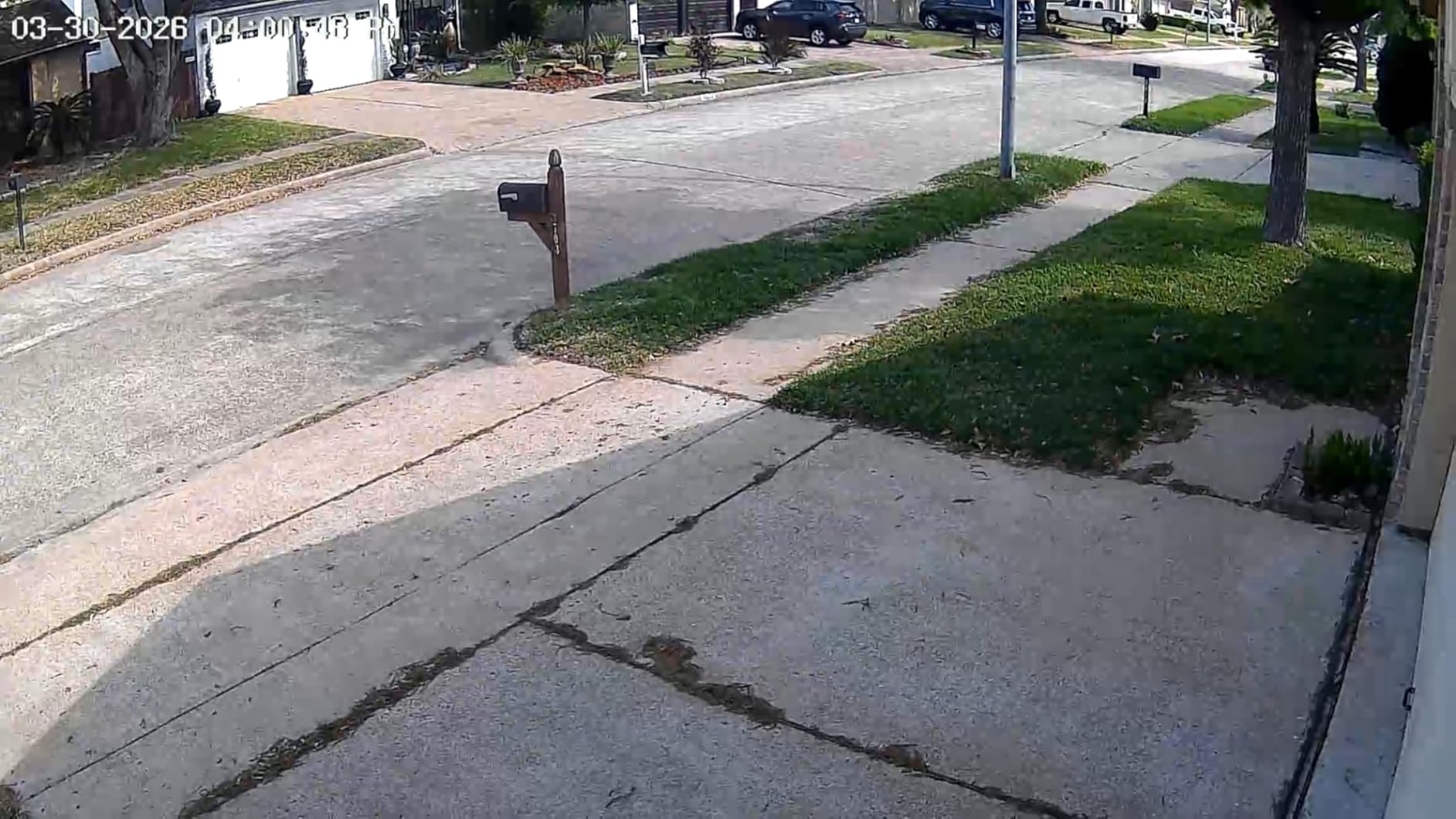
Two-way talk, a siren alarm and a flashing LED are all present, and IP65 sealing covers the weather side. Storage is flexible: microSD up to 256GB, or free rolling cloud storage over seven days with no paid tier for basic use.
This is the camera to buy if you have a small flock, one camera and a hard budget, and you want solar power without moving to a dedicated 2-in-1 door. The compromises are honest ones rather than hidden ones.
Where it holds up in a coop
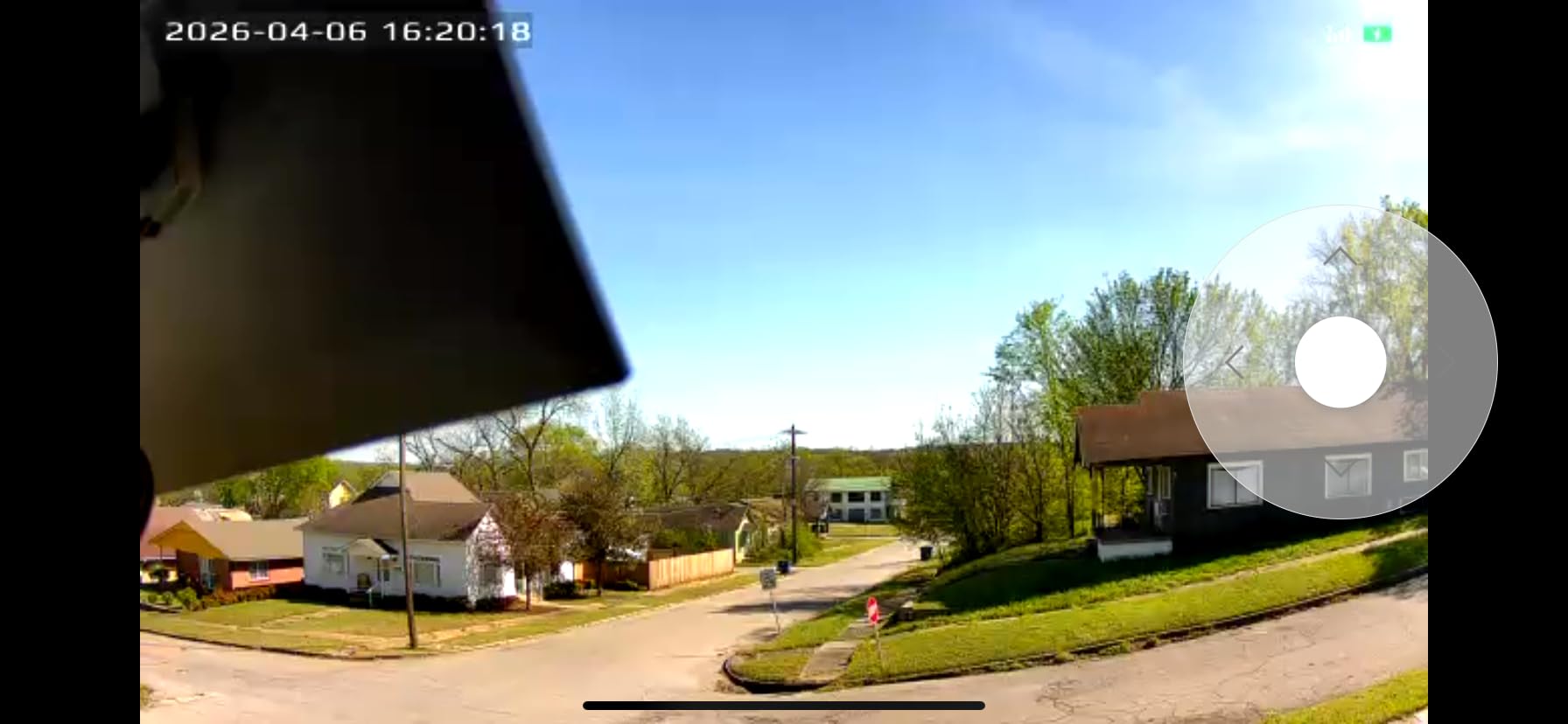
Quoted night vision range is 33 ft, which covers a typical small run and the near half of a medium one. The LED spotlight is what lifts night footage above the usual grey monochrome, since it gives you colour when motion is detected close to the camera. Wide dynamic coverage from 355 degrees of horizontal rotation means one mount point covers most of a run.
For monitoring hens rather than identifying predators, the spec sheet is more than sufficient. The image is sharp enough to spot a hen limping or sitting in a corner, which is the actual day-to-day use case for most keepers.
The two limitations that matter
Recording is event-only. There is no 24/7 continuous mode and no motion tracking, so if a predator enters and stands still behind the dust bath, there is no clip unless it moved into the detection field. That makes it a weak choice for the security use case and a fine one for flock monitoring, and you should decide which you want before buying.
Second, the more advanced AI object classes and extended cloud features sit behind a paid subscription. The PIR detection that triggers the recording works without paying, but if you want the camera to tell a person from a package you will need the tier. It is also 2.4GHz only, so confirm your router is broadcasting 2.4GHz before you mount it.
7. SEHMUA RBX-S40 2K Solar – Best Solar Camera for Cold Winter Coops
SEHMUA Solar Security Cameras Wireless Outdoor, 2K 360° View Battery Powered Outdoor Camera, WiFi Home Security with Spotlight Color Night Vision, PIR Sensor
2K
Solar powered
IP65
-4F to 121F
355 pan and 100 tilt
Pros
- 2K clarity with wide 360 degree coverage
- Solar power with no wiring or outlets
- Color night vision with built-in spotlight
- PIR reduces false alerts
- Wide operating temperature range
Cons
- Color night vision needs the spotlight switched on manually
- 2.4GHz only
- Cloud storage is a paid add-on
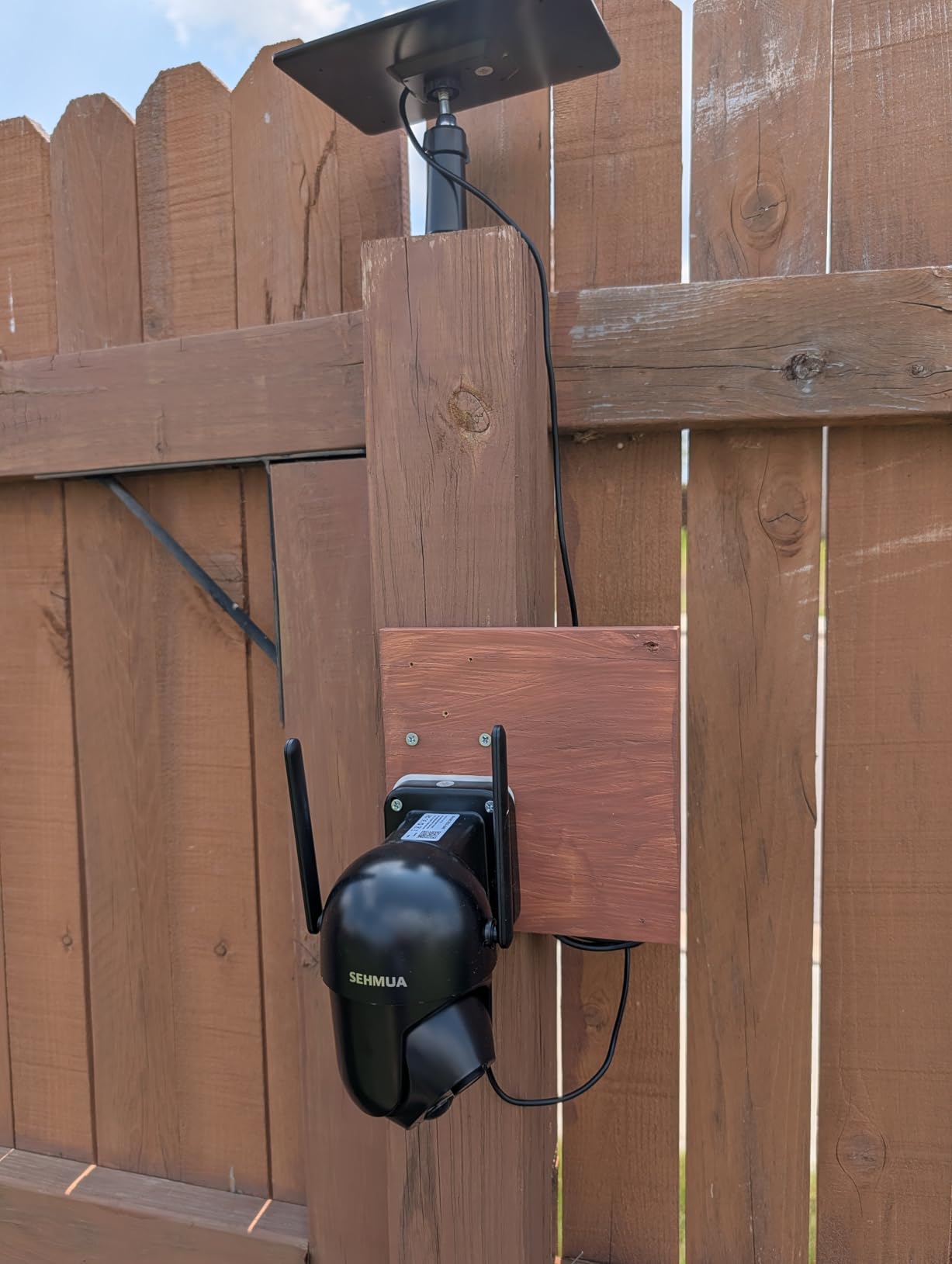
Cold-weather operation in an unheated coop is a subject almost nobody covers, and it is a genuine failure point. Batteries charge slowly in freezing conditions and some cameras simply do not recover from a deep cold night. The SEHMUA RBX-S40 is rated to -4F, so it keeps working in a coop that is not heated through a northern winter – and that rating is the main reason it is on this list.
Daylight performance is good, with 2K full HD live video and 355 degrees of horizontal plus 100 degrees of vertical pan-tilt rotation covering almost any run layout from a single bracket. The PIR sensor with human-like recognition meaningfully reduces false alerts from moving branches, which matters when you are trying to actually trust the notifications.
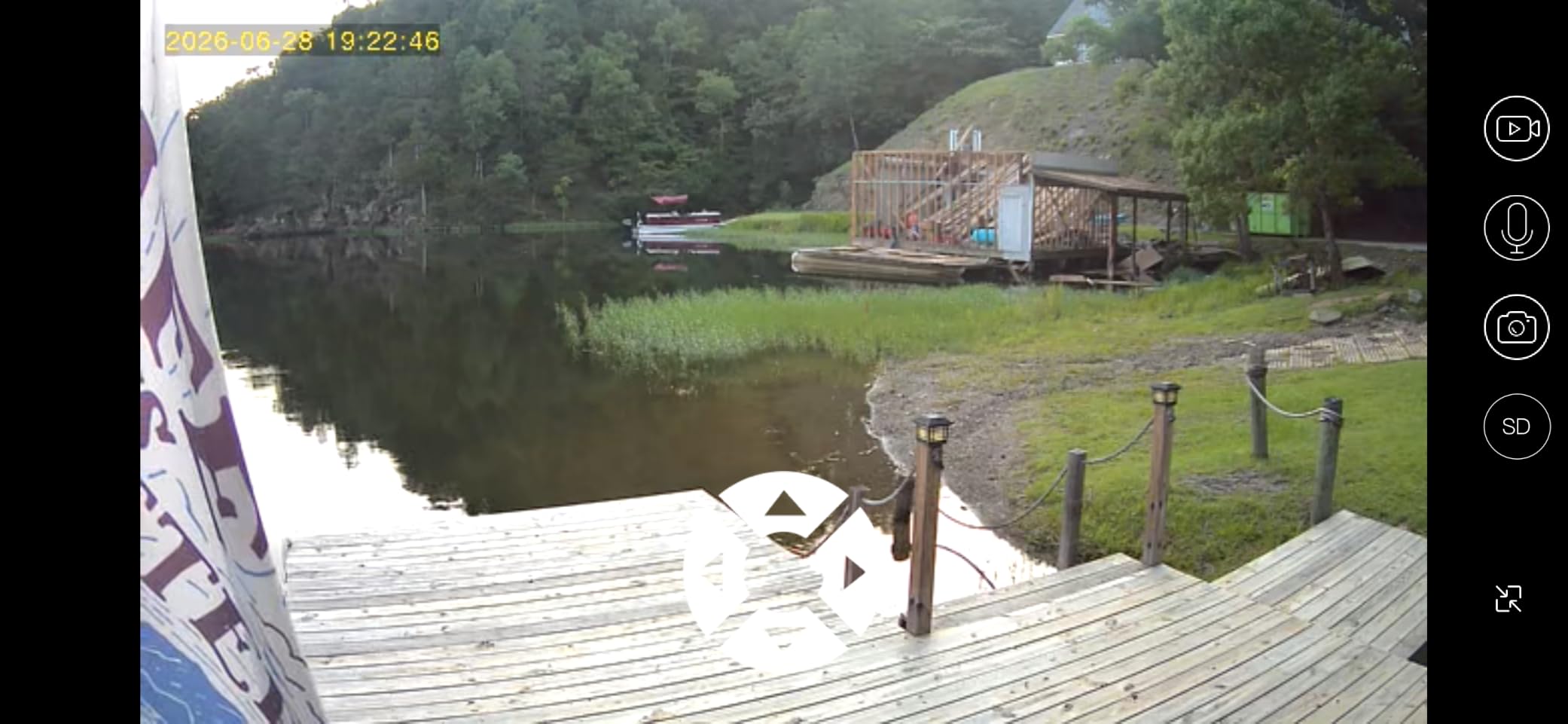
The spotlight gives you colour night vision, which owners rate as a clear step up on plain infrared, and two-way audio lets you talk to a nervous hen or listen for the distinctive alarm call a flock makes when a snake or weasel is present. IP65 sealing handles the wet, dusty environment without complaint.
Sizing note for anyone comparing it with the Tapo C610 kit: this is a single camera with a fixed solar design and no bundled panel bracket kit, so you are mounting one unit rather than covering a whole property.
Why cold tolerance changes the decision
If your coop is unheated and you are below roughly 40 degrees latitude for part of the year, battery temperature is not a footnote – it decides whether the camera is there when you need it. Between this and the ieGeek, the SEHMUA is the one we would choose for a northern yard, and the Tapo C610 kit is the one we would warn hardest about, since its solar charging will not operate below 32F.
For everyone else it is a straightforward 2K solar camera that does its job, with a colour night mode and a wide operating envelope for a mid-range price.
What buyers complain about
Colour night vision is not automatic. You have to switch the spotlight on manually, so a nocturnal fox visit in default mode gets you infrared rather than colour. That is a design choice, but it is worth knowing before you rely on colour to identify an animal.
It is 2.4GHz only, and cloud storage is an optional paid add-on – though most owners run it on a local card instead, which is the sensible choice for a coop camera. Recording behaviour, like most solar cameras in this class, is event-driven rather than continuous.
8. Hiseeu AU-C90 4MP Two-Pack – Best Chicken Coop Camera Pair for Two Runs
Hiseeu 2K 4MP Solar Security Cameras Wireless Outdoor, 2.4G/5G Home WiFi
Two cameras and panels
4MP 2560x1440
IP65
33 ft night vision
SD to 256GB
Pros
- Higher 4MP resolution than most solar rivals
- 5200mAh battery holds charge for months
- Two cameras and two panels in one pack
- AI human detection with adjustable sensitivity
- Color night vision with LED spotlight
Cons
- 2.4GHz only despite the 5G in the title
- SD card is not included
- Cloud storage is a paid subscription
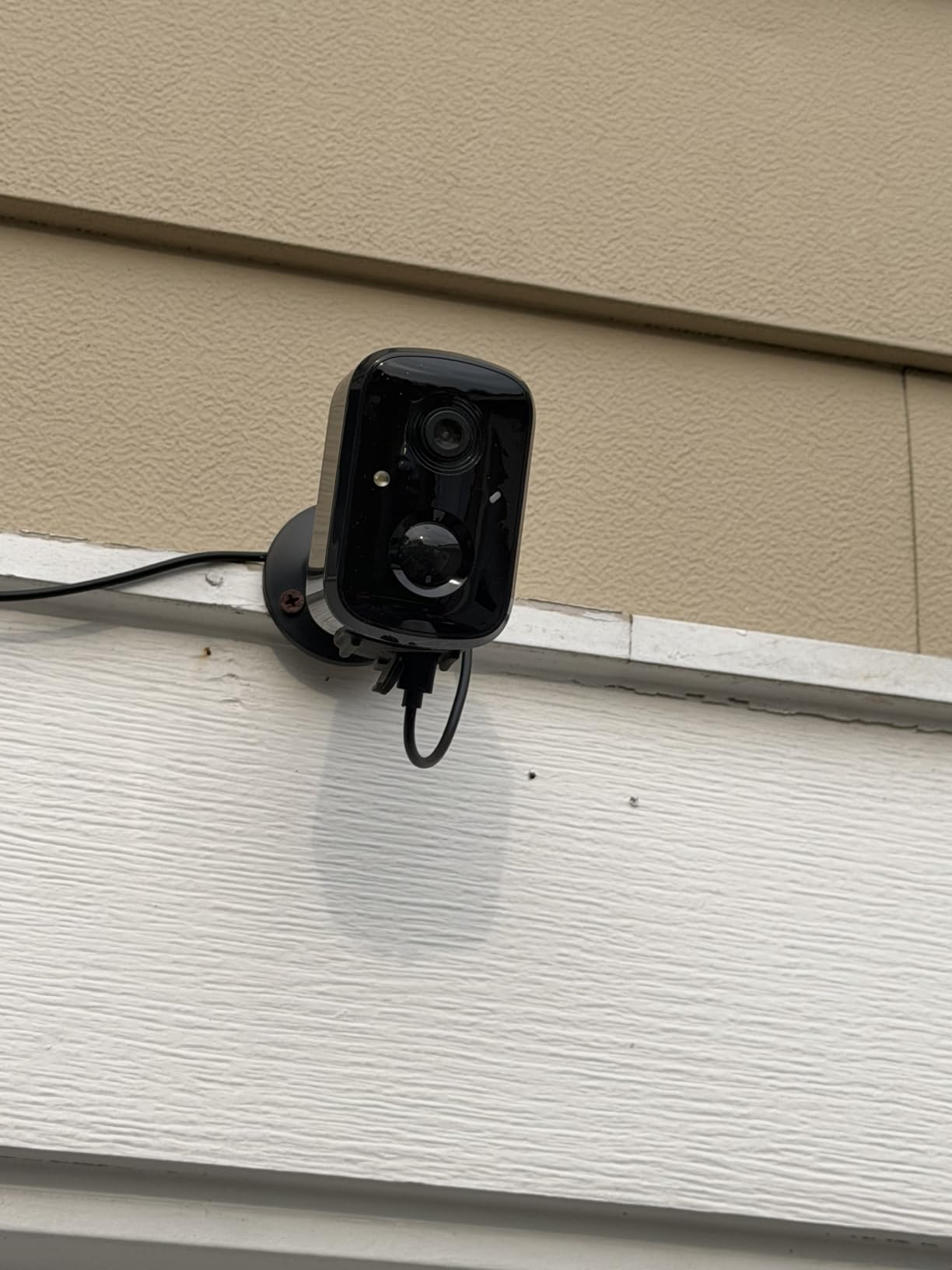
Keepers repeatedly ask whether one system can cover two or three coops, and the honest answer is that most apps cap the number of cameras on a free account. The Hiseeu AU-C90 sidesteps that question by shipping a two-camera, two-solar-panel, two-mount pack, which is the cheapest route to covering a coop and a run, or two separate coops, without juggling subscriptions.
The resolution is the headline. At 4MP, 2560 by 1440, this out-resolves every other camera in the roundup including the 2K units, and owners consistently rate the step-up in clarity and colour night vision assisted by the LED spotlight as the main reason to buy it.
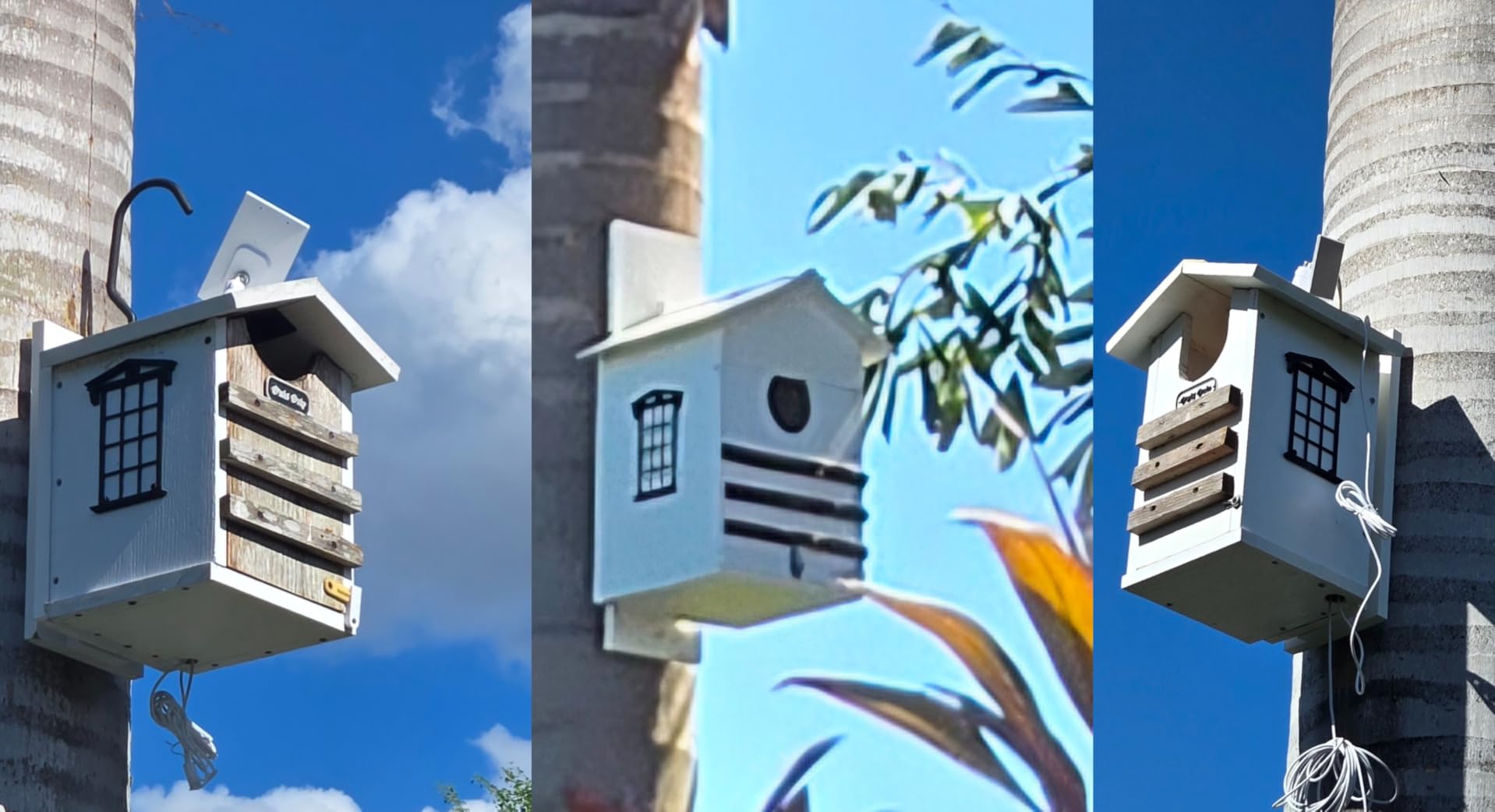
Each camera runs a 5200mAh battery that needs roughly two hours of direct sunlight for a full day, and reviewers report the charge holding for months between sun exposures – useful if your run sits in partial shade. The PIR sensor with AI human detection and adjustable sensitivity cuts false alerts, and the 135-degree fixed field of view is wide enough for a single run.
Two-way audio, a siren alarm and dual LED modes (white and red light) round out the deterrence features, and hotspot connection mode means you can set the cameras up without a router at all. Setup is about a minute in three steps.
What the two-pack is genuinely useful for
Two cameras is the sweet spot for most backyard flocks. One inside the coop covering the roost and nest boxes tells you about flock health; one outside covering the run fence line tells you about predators. The fixed 135-degree lens means you pick the view at install time rather than panning, and for a stationary coop that is usually the better trade.
Because the pack is IP65 and solar, the two cameras can sit at opposite ends of a large property with no cable runs and no outlets. That is the configuration this product is genuinely best at.
The listing title needs a caveat
The product title says 2.4G/5G, and 5GHz is not supported. This is the most-cited complaint among buyers and it is worth flagging hard, because it is the kind of detail that ends up discovered after a failed install. Both cameras are 2.4GHz only.
The microSD card is not included, so add one to your order if you plan to record locally – the alternative is a paid cloud subscription for extended retention, with only a short cycle included. Both cameras accept cards up to 256GB.
9. Arlo Essential 2K Pan Tilt – Best Chicken Coop Camera on Crowded WiFi
Arlo Essential Outdoor Pan Tilt Zoom Security Camera 2K Wired – 1-Cam
2K 1440p
IP65
25 ft night vision
Dual-band WiFi
16 ft cable
Pros
- Sharp 2K image that holds detail when zoomed
- Smooth pan and tilt with reliable tracking
- Dual-band WiFi on crowded networks
- Wired power with no battery degradation
- Clean app and quick setup
Cons
- Can fail after heavy rain with no battery backup
- Stream drops after about 30 minutes of viewing
- AI detection and history need a paid plan
Every other WiFi camera in this roundup is 2.4GHz only, which is the single most common coop install failure. If your router is dual-band and your neighbourhood WiFi is congested, the Arlo Essential is the one that connects to whichever band is cleaner, and buyers rate that forgiveness as its defining advantage.
Image quality is a clear step up from 1080p. At 2K with 12x digital zoom you can pull detail off a hen at the back of the run, and the colour night vision with an integrated spotlight gives you a usable colour image after dark rather than the usual grey monochrome.
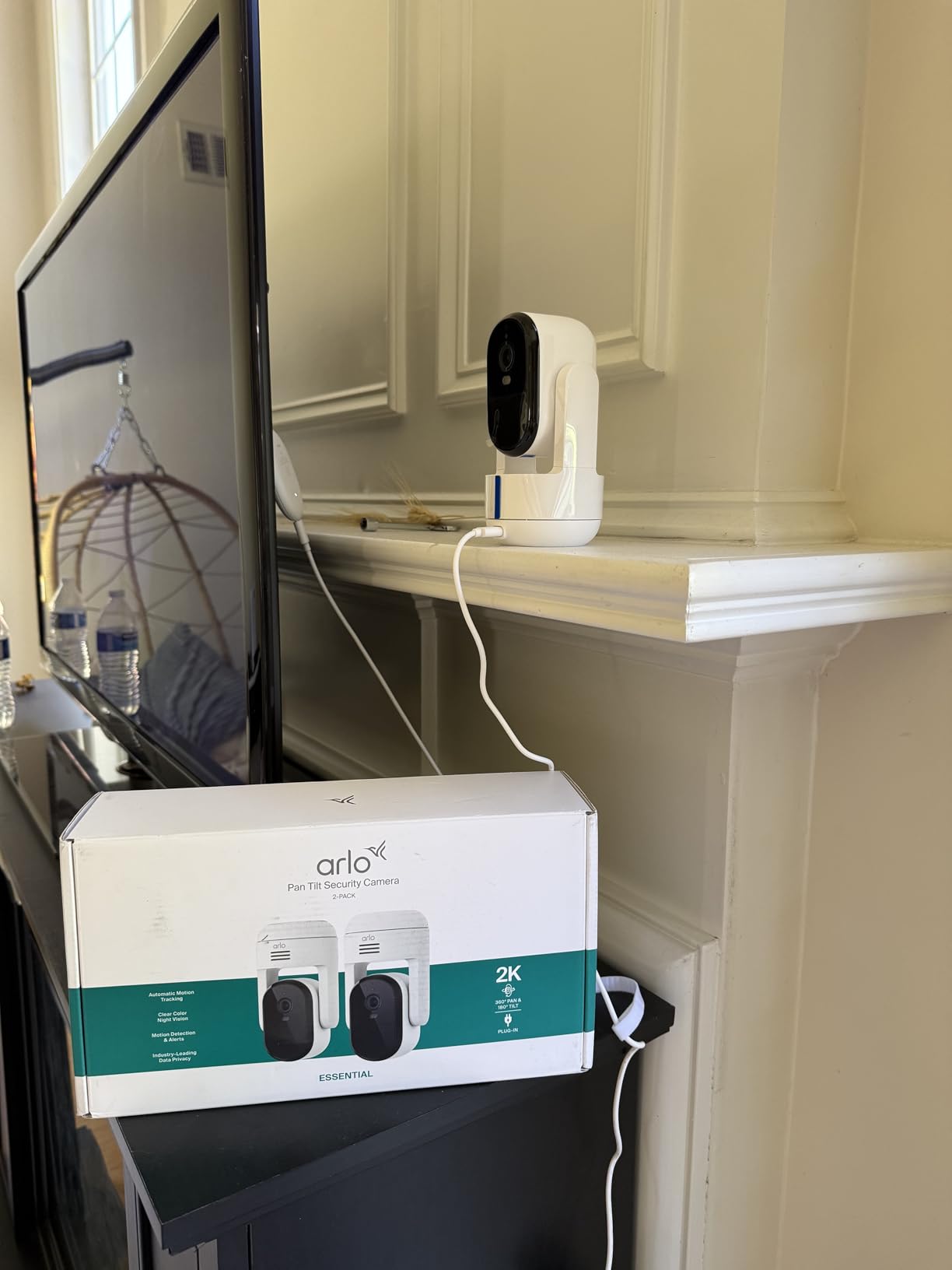
Smart Detection covers people, vehicles, pets and packages, and the advanced audio detection will alert you to sounds like glass breaking, barking or screaming – which is a legitimate predator cue, since a fox in a run produces an unusual noise pattern even when it is not visually obvious.
What the wired power buys you
It ships with a 16 ft cable and runs continuously, so there is no battery to degrade, no charging downtime in winter and no cold-weather performance question at all. If you can run an outdoor-rated cable from an existing outlet, wired power removes an entire category of problems, and the 360-degree pan with 180-degree tilt and smooth in-app motion tracking covers both the run and the coop wall.
The 25 ft night vision range is the shortest in this roundup, which is a fair warning for anyone with a large run. It is entirely adequate for a standard 10 by 10 ft run and tight against the far corner of a big one.
Three drawbacks to weigh
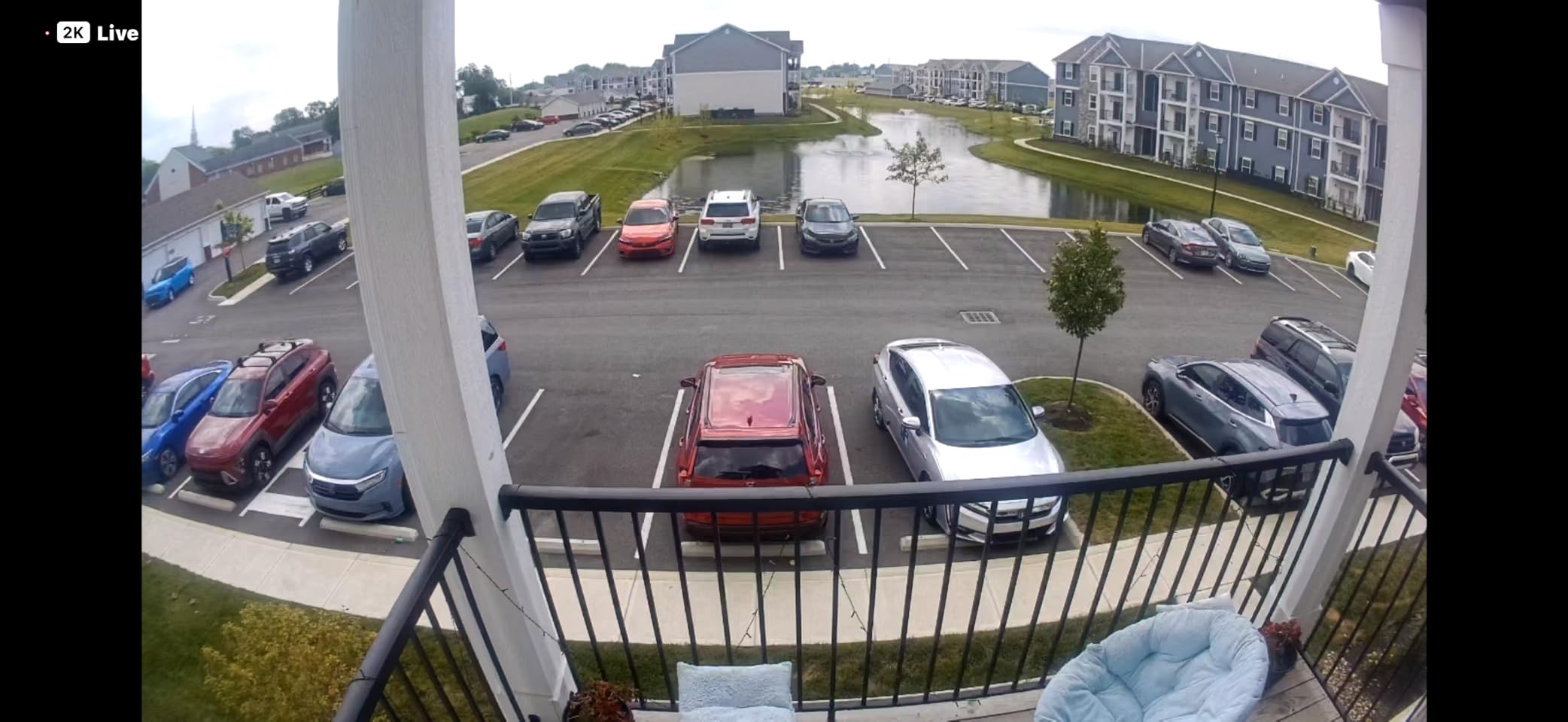
Owners report cameras failing after heavy rain despite the IP65 rating, and because there is no battery backup the camera goes dark until it dries out or is replaced. The stream also cuts out after roughly 30 minutes of continuous viewing and needs a reconnect, which is irritating if you leave the live view open while working.
Advanced AI detection, 60-day history and emergency response all require the paid Arlo Secure plan – live view and basic alerts work without it, but if your predator evidence lives in the cloud you will be paying monthly. Some international buyers also report the app does not support this model in their region, leaving it unconfigurable. It works with Alexa, Google Home, Samsung SmartThings and IFTTT.
10. Tapo C610 2K Solar Kit – Best 2K Solar Kit With Automatic Tracking
Tapo 2K Outdoor Pan/Tilt Wireless Security Camera, C610 KIT
2K
360 pan and 130 tilt
Solar panel included
Color night
Siren
Pros
- All-in-one kit with solar panel and mounting hardware
- Strong 360 AI motion tracking
- 2K with spotlights for color night footage
- No outlets or wiring needed
- Battery holds up in cloudy stretches
Cons
- Solar charging stops below 32F
- 2.4GHz WiFi only
- Costs more than comparable 2K solar kits
The Tapo C610 kit is the newest listing in our selection and the most complete package: the camera, a Tapo A201 solar panel, the panel bracket, an extension wire, the USB adapter cable and all mounting hardware in one box. If you want solar power without sourcing a panel separately, this removes the most common assembly error.
The feature that separates it from the other solar cameras here is 360-degree AI motion tracking that pans and tilts to follow the subject. On a static coop, tracking is exactly what you want – a hen walks behind the feeder and the camera pans to keep her in frame rather than recording an empty corner. The Tapo C500 does this too, but that one needs an outlet.
2K resolution with built-in spotlights produces full-colour night footage, and the built-in siren plus bright spotlight give you active deterrence rather than recording alone. Battery life is up to three months on a single charge in cloudy conditions, which is the strongest cold-weather endurance claim in the roundup – with one important exception.
The 32F solar charging limit
Solar charging will not operate in temperatures below 32F. That does not mean the camera dies in winter – the battery is still usable when charged – but it means the panel will not refill it in a hard freeze. In a northern climate you would be running the camera down over a cold spell with no solar recovery.
If you are in that situation, the SEHMUA RBX-S40 is rated down to -4F and is the safer winter pick. For mild climates, this kit is the strongest all-round solar option here. Note also that it is 2.4GHz only, it costs more than comparable 2K solar pan/tilt kits from other brands, and as the newest listing it has the smallest review base in the group at 156 reviews – so long-term reliability data is limited.
How to Choose a Chicken Coop Camera: 10 Criteria
Most coop camera purchases go wrong for one of two reasons: the camera cannot see at night, or it cannot get power and signal where the coop actually is. Work through these ten criteria in order and you will narrow the field before you look at a single product page.
1. Night vision, honestly assessed. Infrared night vision is standard and works well. Colour night vision requires a spotlight or white LEDs and gives you a far better image at dusk. The number that matters is range, and the number that matters more is the range at which you can still identify an animal. Under about 20 ft you will identify a mammal but not a species; beyond 40 ft you are guessing at shape alone. Mount the camera closer to the approach path rather than further from it.
2. Power source. Mains is the most reliable and the least flexible. Solar with a rechargeable battery is the practical answer for a coop with no outlet, and it works year-round in most climates – but check the minimum operating temperature, because charging below 32F is a real limitation on some models. A mains camera with an outdoor-rated extension cable is more reliable than solar if you can run the cable.
3. WiFi band. This is the number one technical blocker keepers report. Almost every cheap outdoor camera is 2.4GHz only, and if your router only broadcasts 5GHz the camera will never pair. If you cannot reconfigure the router, buy a dual-band camera. The Arlo Essential is the only dual-band model in our selection.
4. WiFi range at the coop. One keeper measured 75 to 100 ft from the router as their practical limit for a coop camera, and that matches what we see. Beyond that you need a mesh node, an ethernet run, or a camera with a hotspot mode. Do not assume signal strength in a garden transfers to a metal-roofed coop at the end of a field.
5. Storage model – subscription or local card. If your interest is predator evidence and egg checks, a microSD card with continuous local recording is better than cloud, because nothing expires and no cloud outage can delete the clip. If you want off-site backup while travelling, cloud is worth paying for. The Tapo C500, Wyze Pan v3, ieGeek and ZEEPORTE all record locally without a subscription; the Arlo puts history behind a paid plan.
6. Recording mode. Continuous recording captures everything, including a predator that walks in and sits still. Event-only recording saves battery and storage but can miss exactly the thing you installed the camera to catch. Know which one you are getting before you buy – the ZEEPORTE Snap 30T and most solar cameras are event-only.
7. Field of view and mount point. A fixed 135-degree lens is often better than a pan/tilt camera in a small space, because you aim it once and it never drifts. Pan and tilt earns its keep when you need to cover a roost, a nest box row and a gate from one bracket. Place it above roost height so chickens cannot reach it, and outside the dust bath so grit does not blind the lens.
8. Outdoor rating. Look for IP65 or better, and treat “weather resistant” marketing copy with suspicion. Keepers routinely jury-rig indoor cameras outdoors in aftermarket waterproof cases, which works until a storm proves otherwise. A wooden coop is dusty, humid and wet through its vents, and fogged lenses are the most common long-term failure.
9. Audio. A built-in microphone with two-way talk is more useful than most buyers expect. It lets you hear the flock’s alarm call, which changes when a snake or a weasel is present, and it lets you confirm a hen is inside the run at dusk without opening the door. Many cheap cameras include a microphone but not a speaker, so check for two-way capability if you want to talk.
10. App sharing. If a neighbour, a house sitter or a family member is checking the flock for you, the app needs to support shared or family access. The CHAMUTY and Tapo models both support shared family access, which matters when one person owns the camera and another does the daily check.
Two camera types deserve a specific mention because Google keeps asking about them. Trail cameras – the plastic, battery-driven kind sold for hunting – record to an SD card with no WiFi at all, which makes them the traditional answer for a coop with no network. They cannot give you live view, and you retrieve footage by swapping the card, but they are cheap, weatherproof and reliable. Nest box cameras are a narrower category aimed at watching a hen lay, and they are not in our selection because the resolution and viewing angle we tested were not strong enough to recommend. Our picks cover coop, run and predator duty, which is what most keepers are actually buying for.
Extending WiFi to a Remote Chicken Coop
If your coop camera keeps dropping connection, the fix is almost never a better camera. It is a better network at the far end of the property, and there are four options ranked by cost and difficulty.
Option 1: Check the router first. Split the 2.4GHz and 5GHz bands if your router has them joined, and confirm 2.4GHz is broadcasting. Then move the router closer to the coop or add a second access point. This costs nothing and fixes a surprising share of cases.
Option 2: A mesh node. Place a mesh node in the main building and another outdoors or in a weatherproof enclosure near the coop. This is the cleanest wireless option and the one we would choose first, because it requires no cable and it scales to several cameras.
Option 3: An outdoor-rated access point. Mounted on the outside wall of the coop with its own ethernet run back to the house, this gives much better signal than an indoor mesh node pushed through a wall. It needs cable but no power drop if you use PoE.
Option 4: Ethernet or PoE all the way. The most reliable answer by a wide margin, and the one to choose if you are running a wired camera like the Tapo C500 or the Arlo Essential anyway. PoE gives you power and data on one cable, so you can mount the camera at the ideal height with no outlet nearby.
If none of that is possible, look for a camera with a hotspot mode. The Azureblom J102 ships a second app that creates its own network, and the Hiseeu AU-C90 support hotspot connection so you can set them up and view them at close range without a router at all. It is not a substitute for remote viewing, but it beats a camera you cannot configure.
How to Test Night Vision in a Dark Coop Before You Buy
The most common complaint in every coop camera thread is the same one: good daytime pictures, poor nighttime pictures. Infrared LEDs illuminate a cone in front of the lens, and in a dark wooden coop that cone hits a wall two feet away and bounces back as a bright smear. A hen six feet back in the run is a grey shape at best.
Test before you commit with a five-minute routine. Set your phone to night mode and stand where the camera will sit, then look at the darkest part of your intended field of view – usually the far corner of the run or the back wall behind the roost. If you cannot make out a hen-shaped outline there, the camera will not either.
Watch for infrared reflection. Glossy painted wood, wet galvanized metal, shiny plastic and spider webs all reflect IR light straight back into the lens and produce the bright halo that makes cheap cameras useless at night. Matte or rough surfaces are fine. If your coop has a reflective white interior or a new plastic waterer, angle the camera away from it or cover the surface with matte tape.
Check the mounting distance against the quoted range. Manufacturers quote the maximum range at which something is technically visible, not the range at which you can identify it. Halve the quoted number and that is your identification range – the Tapo C500’s 98 ft becomes roughly 50 ft of usable identification, which covers most runs.
Finally, test after dark on a clear night, not at dusk, and give the camera a full minute to switch to infrared. Many cameras have a light sensor delay, and a quick look at dusk can show you colour footage the camera will never actually give you at 2am.
Mounting a Camera in a Chicken Coop Safely
Mount position decides whether a camera works, and chickens are harder on equipment than weather is. Mount above roost height, which is the single most important rule – a chicken that can reach a camera will peck at it, dust-bathe next to it, or stand in front of the lens. Under-eave mounting on the outside wall of the coop, angled down into the run, is the safest arrangement.
Do not block ventilation. A coop needs airflow to prevent ammonia build-up, and cameras with a housing that traps heat should be sited where they do not obstruct a pop-hole or a vent flap. Keep the lens away from the dust bath, because grit on a dome camera will fog the image permanently within a season.
Run cables properly or do not run them. Any cable entering the coop should enter through a sealed gland, run along the wall rather than across a perch, and be out of reach of beaks. Corded cameras with a short adapter need an outdoor-rated extension; a domestic indoor extension lead in a wet coop is a fire and water risk.
Angle for the approach, not the coop. The tactic that came up repeatedly in keeper forums is sound: a second camera pointed away from the coop and toward the fence line or gate catches the predator approaching, whereas a camera pointed at the flock only shows you the aftermath. Secure the mount with screws and a dab of sealant, not tape or cable ties, and check it after the first storm.
What a Coop Camera Can and Cannot Do
A camera is a pair of eyes, and it is worth being blunt about the limits. It will not deter a fox, a raccoon, a weasel, a snake or a neighbour’s dog. Predators that have learned a run is unprotected do not change behaviour because a lens is pointed at them, and a siren weak enough to be consumer electronics will not either. What a camera genuinely does is give you identification – whether it was a weasel or a marten, whether the flock was being mobbed or a hen was just grumbling – which is the difference between hardening fencing and guessing.
It also does not substitute for husbandry. A flock that is quiet at 8am may be fine or may be dead. Cameras cannot judge keel bone damage, feather condition or the early signs of a mite infestation, and a green image is not a health certificate. For parasite monitoring, use a dedicated tool – our [mite monitoring board roundup](https://apimondia2023.com/best-mite-monitoring-boards/) covers what a camera cannot pick up.
Nor does it track individual birds. There are no hen tracking devices for the purpose of following a specific animal around a run; GPS livestock tags exist for cattle and sheep, not for poultry, and they cost far more than a camera. The closest thing available is nest box cameras, which confirm that a particular hen has been in the box – an optional extra module rather than a feature of the cameras here.
What it does well is remote monitoring. Checking the flock from work, confirming a hen has gone to the nest, knowing when eggs need collecting, and reviewing the previous night after a suspicious morning are all things a coop camera handles better than a walk to the coop in the dark ever will.
Frequently Asked Questions
What kind of surveillance camera is best for a chicken coop?
A wide-angle, outdoor-rated camera with infrared night vision and a phone app is the best fit for most coops. A corded pan/tilt model like the Tapo C500 works well when an outlet is within reach, while a solar model like the ieGeek ZY-C2 covers coops with no power. Recording to a microSD card avoids a subscription.
What is the best camera for a chicken coop that doesn’t have WiFi?
A trail or game camera is the traditional answer, because it records to a memory card with no network at all, though it gives no live view. Among WiFi cameras, the Azureblom J102 ships a hotspot app that works without your router, and solar models with hotspot mode such as the Hiseeu AU-C90 can be set up and checked at close range. Extending WiFi with a mesh node or a PoE ethernet run is the most reliable fix.
What is the best security camera for a chicken coop?
For predator identification after dark, pick a camera with genuine infrared night vision of 30 ft or more, IP65 weather sealing, and continuous recording to a microSD card. The Tapo C500 combines 98 ft night vision, IP65 sealing and 512GB local storage with no subscription, and can be paired with a second camera aimed at the approach fence line.
Which Wyze camera is best for outdoor use?
The Wyze Cam Pan v3 is the outdoor-rated Wyze model, with an IP65 rating for indoor and outdoor installation, 1080p video, 360-degree pan with 180-degree tilt, colour night vision and microSD storage up to 512GB. It is 2.4GHz only and corded, so it needs an outdoor-rated power adapter and a router broadcasting 2.4GHz.
What is the best camera for livestock?
For livestock generally, the deciding factors are weather sealing, a wide field of view, night vision range and whether you can run power to the mounting point. A 2K pan and tilt model with a spotlight gives you usable colour footage after dark, and a solar pack of two cameras covers a large run or a second barn without cabling. For poultry specifically, mount above roost height and aim a second camera at the approach path.
Do chicken coop cameras need WiFi, and do they work in the dark?
Most do need WiFi, because live view, alerts and app control all run through your phone and a cloud account. Every camera in our roundup switches to infrared night vision automatically when daylight fades, which is what lets you identify nocturnal predators. Models such as the Tapo C500 and Wyze Cam Pan v3 add colour night vision with spotlights for better detail at dusk.
Will a chicken coop camera scare off predators?
Not on its own. Predators that are accustomed to a run are not deterred by a visible camera or a consumer siren, and a weak alarm is not a deterrent. A camera’s real value is identification, so you can learn whether you have a weasel, a raccoon or a dog and then reinforce the right part of your fencing. Pair it with secure hardware cloth, buried aprons and a closed pop-hole at night.
How do I stop my coop camera being stolen or rained on?
Mount it above roost height and outside the birds reach, use screws and sealant rather than cable ties, and choose a camera with an IP65 rating. A wired camera low on a wall is more exposed than one mounted under an eave, and an indoor camera in an aftermarket waterproof case is a temporary fix at best. Check the mount after the first storm and re-aim it each season if it is a pan and tilt model.
Final Verdict for Monitoring Hens
If your coop has power and a workable WiFi signal, the Tapo C500 is the best chicken coop camera for monitoring hens in 2026. It pairs IP65 sealing, 98 ft of night vision, 360-degree motion tracking and 512GB of local continuous recording with no subscription, and at 6992 reviews it is the best-evidenced choice in this roundup.
Go solar with the ieGeek ZY-C2 if there is no outlet at the coop, and choose the Tapo C610 kit instead if you want colour night footage and 360 tracking in one box – unless you are in a hard winter, where the SEHMUA RBX-S40 is rated far lower. If you need an automatic door anyway, the Azureblom J102 gives you the highest-rated package here, and the CHAMUTY is the one to pick for large breeds and heavy hens. For a no-network coop, buy a trail camera or extend your WiFi properly; no camera substitutes for solving the signal problem first.
Whichever you choose, mount it above roost height, test the night vision before you commit, and record to a local card so the evidence survives the next cloud outage.